
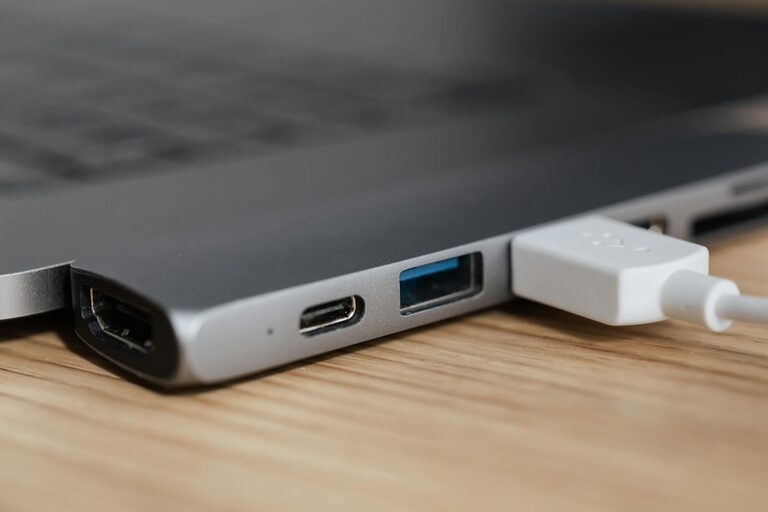
Setting up a dedicated charging station can simplify your daily routine by keeping all your devices powered and in one place. Whether you have smartphones, tablets, smartwatches, or wireless earbuds, a well-organized charging area reduces clutter and ensures you never run out of battery when you need your gadgets most. In this guide, we’ll walk you through the essentials of creating a functional and safe charging station tailored to your needs.
Why Set Up a Charging Station?
Before diving into the setup, it’s helpful to understand the benefits of having a dedicated charging spot:
– Organization: Prevents tangled cords and scattered devices.
– Accessibility: Keeps devices easy to find and use.
– Safety: Reduces risks associated with overloading outlets or unsafe charging habits.
– Efficiency: Consolidates charging with multi-port chargers and fast chargers.
Step 1: Choose the Ideal Location
Selecting the right spot for your charging station is key to convenience and safety.
Consideration Factors
– Accessibility: Choose a location you frequent, such as your desk, nightstand, or kitchen counter.
– Power Availability: Ensure there’s a power outlet nearby; if not, consider using an extension cord with surge protection.
– Surface: A flat, stable surface that can hold all devices and chargers safely.
– Ventilation: Avoid enclosed spaces that trap heat from charging devices.
Step 2: Gather Your Charging Equipment
Depending on the number and types of devices, you will need a few basic components.
Essential Items
– Multi-port USB charger: Allows you to charge multiple devices simultaneously.
– Charging cables: Keep a selection of cables compatible with your devices (USB-C, Lightning, Micro USB).
– Cable organizers: Clips, ties, or sleeves to keep cords tidy.
– Power strip with surge protection: Protects devices from power spikes, especially useful for multiple chargers.
– Device stands or docks (optional): Help keep devices upright and easy to see while charging.
Step 3: Plan the Layout
Think through how you will arrange the equipment for easy use and minimal clutter.
Tips for a Functional Layout
– Group devices you use together regularly.
– Position the charger centrally to avoid cables stretching across surfaces.
– Use cable organizers to route cords along edges or under desks.
– Leave enough space so devices don’t overheat.
Step 4: Set Up the Charging Station
Now it’s time to assemble your charging station step-by-step.
Assembly Guide
- **Plug in the power strip or multi-port charger** to your selected outlet.
- **Connect each charging cable** to the charger.
- **Organize cables** using clips or ties to avoid tangling.
- **Place device stands or docks** if using them.
- **Set your devices** in their spots for charging.
- **Label cables or ports** if multiple people share the station for ease of use.
Step 5: Maintain Your Charging Station
Keeping your charging station neat and safe requires some ongoing care.
Maintenance Tips
– Regularly check cables for wear or damage.
– Dust the area to prevent buildup around ports and devices.
– Upgrade chargers and cables as needed to keep up with new devices.
– Unplug chargers when not in use to save energy and reduce fire risks.
Bonus Ideas for an Enhanced Charging Station
– Add a small basket or drawer nearby to store extra cables or accessories.
– Incorporate lighting, like a small lamp or LED strip, for visibility.
– Use labels or color coding to distinguish chargers for different devices.
– Consider wireless chargers for compatible devices to reduce cable clutter.
Final Thoughts
Setting up a charging station is a simple way to keep your digital life organized and efficient. By choosing a convenient location, gathering the right tools, and maintaining the setup, you can make charging devices hassle-free and keep your space looking tidy. Start small and build a system that works best for your needs, giving you one less thing to worry about during your busy day.